Moo
A native keyboard launcher for macOS: one hotkey, then apps, files, instant math and conversions, clipboard history, window layouts, system commands, snippets, Ask AI and sandboxed Tish plugins in a single search field. One AppKit process written in Tish with no webviews or Electron, on-device Apple Intelligence by default, no telemetry, signed and notarized releases and a Homebrew tap.
- BPM
- 198
- GRADE
- SSS
- LEVEL
- 9
- RELEASES
- 15
- YEARS
- 2026–2026
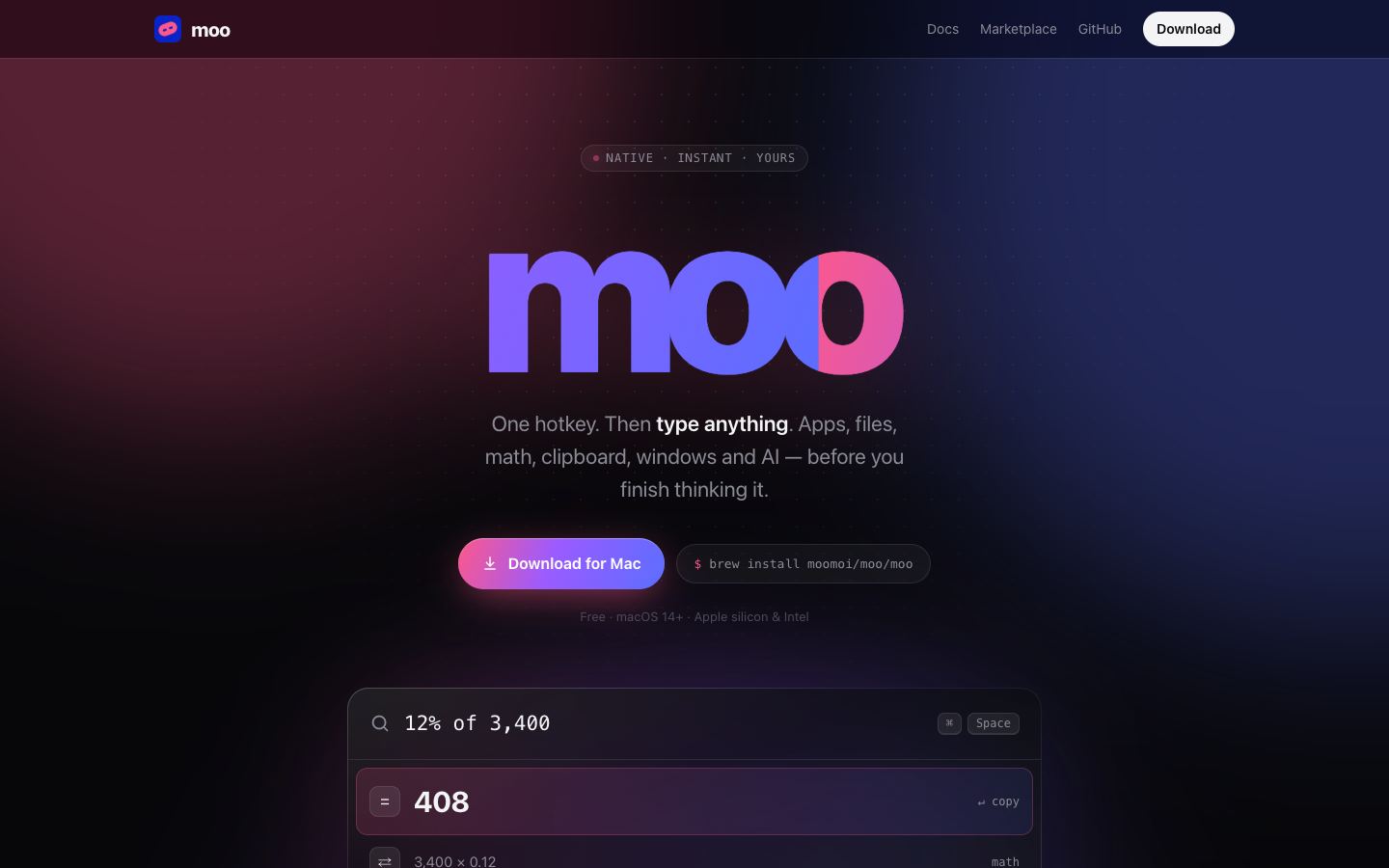
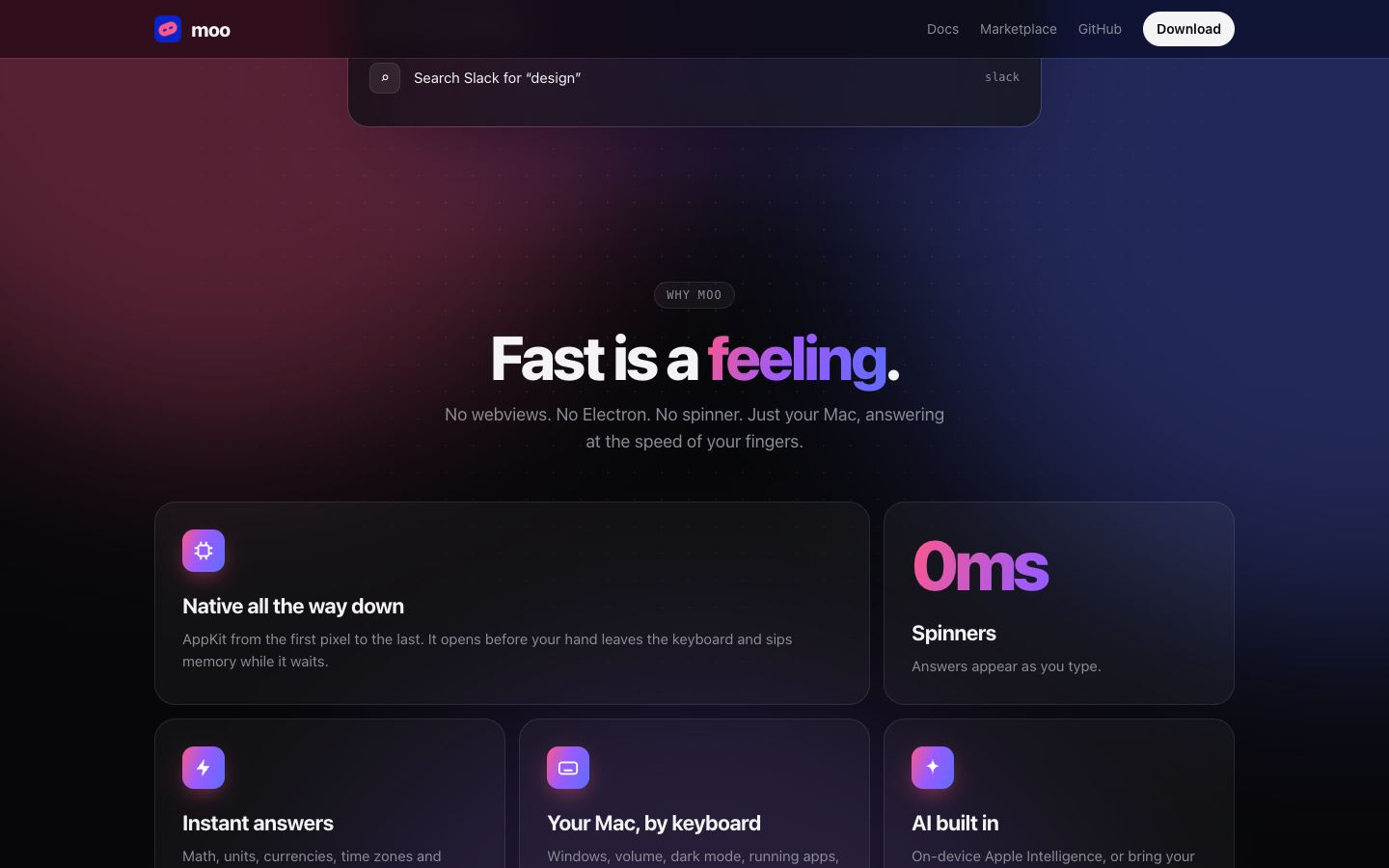

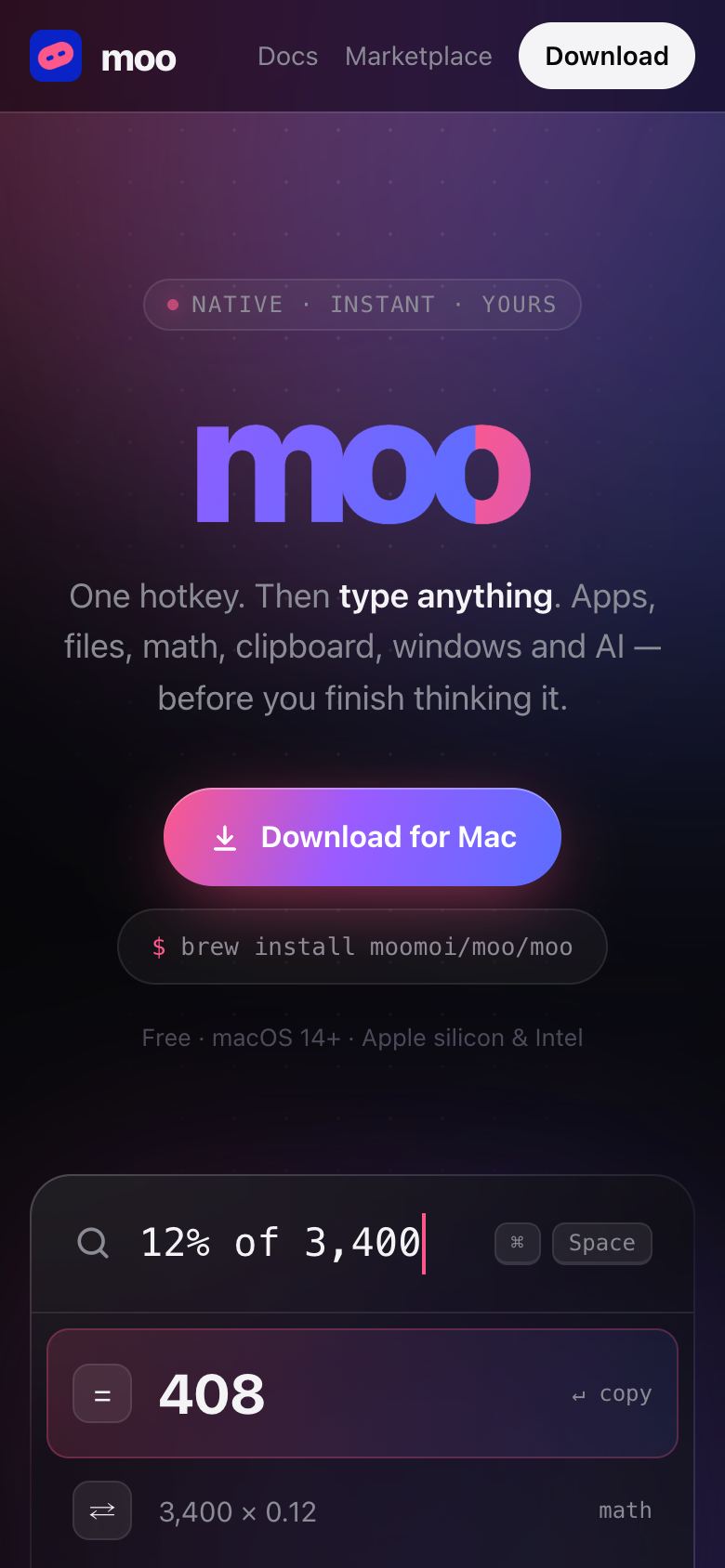
Moo is a keyboard launcher for macOS. One hotkey, then you type: apps, files, the clipboard, calculations, window layouts, system commands, AI and plugins all live in one search field, and answers appear while you are still typing.
It is one native AppKit process written in Tish — no webviews, no Electron and no JavaScript — so it opens before your hand leaves the keyboard and uses almost no memory while it waits. It lives in the menu bar, takes ⌘ Space if Spotlight has given it up (or the first free alternative), and asks for each macOS permission only when a feature first needs it.
What it does:
- Apps and files. Fuzzy search over every app, and files from Moo's own live index, including search inside documents, with Quick Look, Show in Finder and Open With a key away.
- Instant answers. Math, percentages, units, currencies on ECB rates, number bases and time zones as you type —
12% of 3400,5 mi in km,3pm pst to cet. - Clipboard history. Everything you copied, searchable. Text only, kept in memory and never written to disk, and password managers' entries are skipped.
- Window layouts. Halves, quarters, thirds, maximize, center and moving to another display, acting on the window you were just using.
- System commands. Lock, sleep, dark mode, volume, eject, empty Trash, restart and the rest.
- Shortcuts and snippets. Your own keywords for URLs, folders, shell commands, text and AI prompts, each with an optional global hotkey, and snippets that expand as you type in any app.
- Ask AI. Press Tab on any question. Apple's on-device model is the default — free, offline and private — and it can act, not just answer: find files, check the battery, arrange windows, use the calculator. Hypery, OpenAI, Ollama, LM Studio and any OpenAI-compatible server work too.
- Plugins. Written in Tish, each running in its own sandboxed VM with no file or network access beyond the hosts it declares. Eight ship built in — Dev Toolbox, GitHub, Package Search, Weather, Slack, Unit Converter, Moo Utils and Hello List — with more in the marketplace at moo.moi.
- Command line. The app is also the
mooCLI, so it can be scripted or driven from skhd, Karabiner, Hammerspoon or Shortcuts.
There are no analytics and no telemetry. Searches, clipboard and settings stay on the Mac, keys and tokens go in the Keychain, and Moo only goes online for what you ask for: your chosen AI provider, currency rates, web suggestions and the plugins you use.
It is free and open source under MIT. Every release is a universal binary for Apple silicon and Intel, signed with a Developer ID and notarized by Apple, published as a DMG with checksums and through a Homebrew tap (brew install moomoi/moo/moo), and the commit history decides the version number. It needs macOS 14 or later; Ask AI on the on-device model needs macOS 26 with Apple Intelligence.
before this
- urlrunner2011macOS URL-scheme launcher
- iSuck Dashboard Widget2012macOS Dashboard widget
- Weather2017menubar app
- Mutation2025global hotkeys and system tray
- TrayBin RS2025cross-platform tray process